I am facing a super stupid problem which is completely killing my productivity.
I have my laptop attached to an external monitor. Desktop 1 is on the laptop and desktop 2 is on the external screen.
From desktop 2, I open a PDF file with preview.
Instead of opening it inside desktop 2, it automatically switches whatever is full screen on my laptop monitor and opens the PDF on desktop 1.
This is driving me mad. Why isn’t the default behavior the obvious one? (namely open the window exactly where the open command comes from)
Is there anything I can do to make it behave in the logical way?
Thanks!
ps: MacOs 10.14.4 Mojave
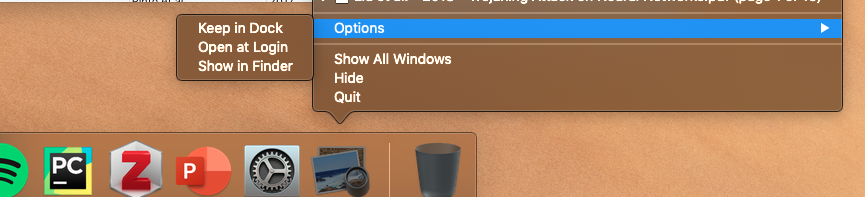
edit: adding picture regarding comment