Car Tech
Google built-in vs Android Auto: What’s the Difference in 2026?
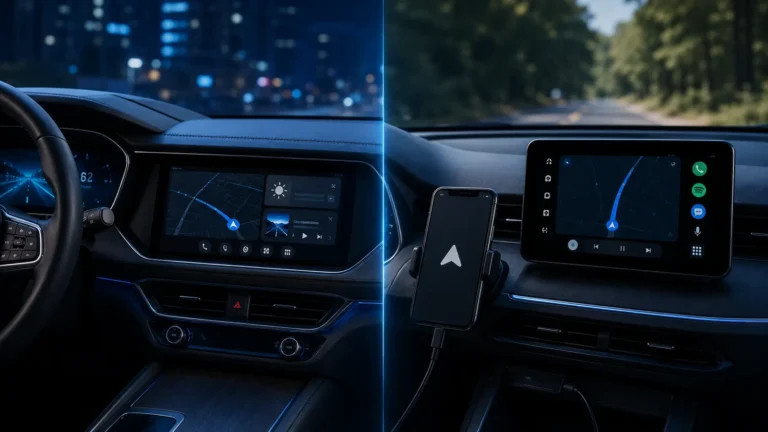
Google built-in runs Google services natively in supported cars. Android Auto projects a driving interface from your phone. A car can support both.
Oct 26, 20267 min read
Clear answers for Wi-Fi, smart home, car tech, USB-C and the devices that connect your everyday life.
Choose a topic and jump straight into practical guides, comparisons and troubleshooting.
Coverage, speed, mesh, Ethernet and home-network troubleshooting.
Explore topic → 02Matter, Thread, Zigbee, hubs, setup and interoperability.
Explore topic → 03Android Auto, connected infotainment and everyday in-car tech.
Explore topic → 04USB-C, charging, Bluetooth, hardware and device connectivity.
Explore topic →Useful explainers and guides from the core Techmins topics.

If Wi-Fi is fast beside the router but slow upstairs, your internet is probably not the problem. The radio path is.
7 min read →
When a Matter device appears offline, first identify whether it uses Wi-Fi or Thread. The troubleshooting path is different.
7 min read →Google built-in runs Google services natively in supported cars. Android Auto projects a driving interface from your phone. A car can support both.
7 min read →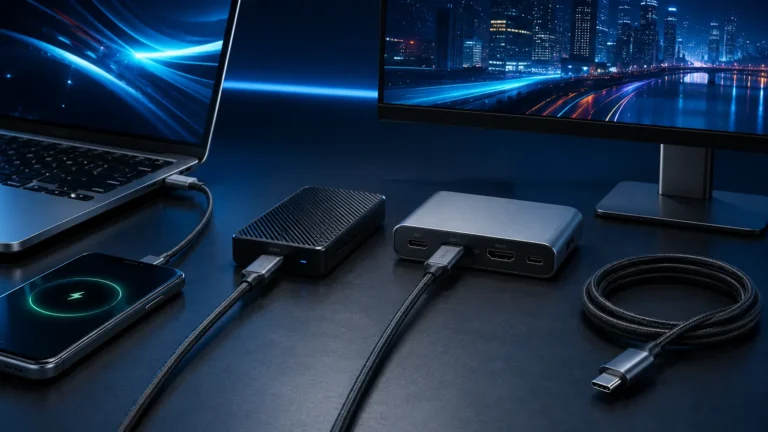
USB-C describes the connector, not the cable's speed, charging wattage or video capability. Here is how to tell the important cable types apart.
7 min read →Google built-in runs Google services natively in supported cars. Android Auto projects a driving interface from your phone. A car can support both.
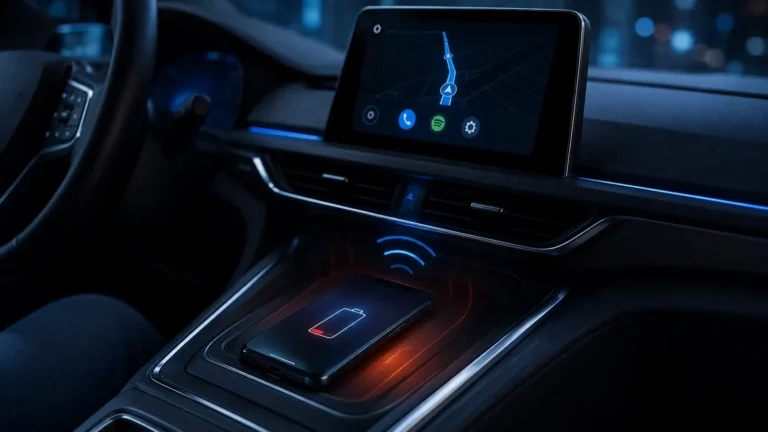
Wireless Android Auto keeps several phone systems active at once. Battery drain is normal to a degree, but heat and charging choices can make it much worse.
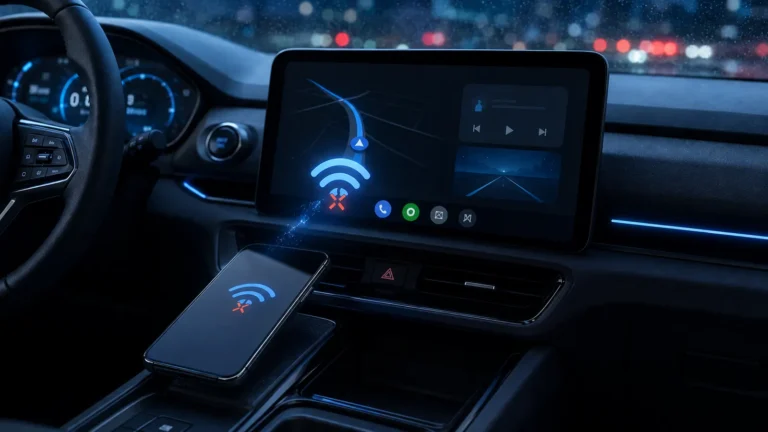
Wireless Android Auto dropouts are different from a connection that never starts. Focus on the Wi-Fi session, firmware, heat and power management.
When a Matter device appears offline, first identify whether it uses Wi-Fi or Thread. The troubleshooting path is different.
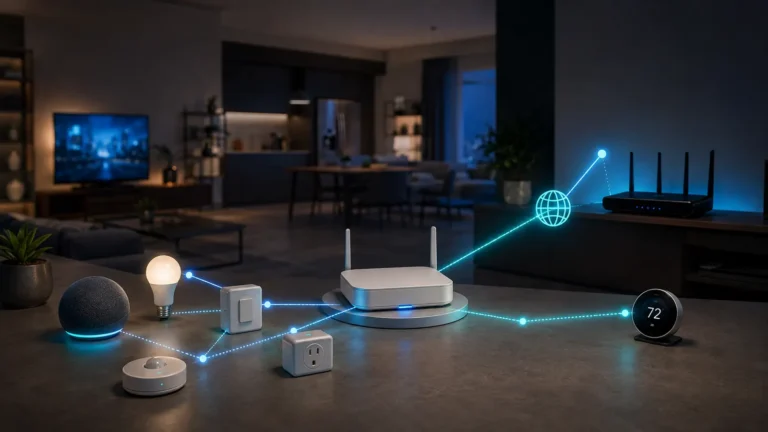
A Thread Border Router connects a Thread mesh to the rest of your IP network. It routes traffic; it is not a proprietary protocol translator.
USB-C describes the connector, not the cable's speed, charging wattage or video capability. Here is how to tell the important cable types apart.
Long-form setup and troubleshooting for problems that need more than a quick answer.
Practical utilities for troubleshooting, compatibility checks and technical decisions. Connected-tech tools lead the library, while established 3D-printing tools remain available in their own section.