
The ToolkitRC P200 has been one of my favorite tools for building FPV drones. Now, ToolkitRC has released the V2 of the P200, promising even better performance, reliability, and safety. In this review, I will compare it to the original P200 and see what’s changed and whether you should get one.

Here are the tools I recommend for building and repairing FPV drones: https://oscarliang.com/fpv-tools/
Where to Buy
You can get the ToolkitRC P200 Power Supply from:

It comes with the following accessories:
- 1x AC Input Cable
- 1x DC Input Cable-1 (Cable with XT60 Female)
- 1x DC Input Cable-2 (4.0 Banana to XT60 Female)
- 1x DC Output Cable (4.0 Banana to Alligator Clips)
- 1x USB-C Cable
- 1x Manual
- 1x Screen Protector
Specifications
- Size: 110.0×63.0×78.0 mm
- Weight: 428g
- LCD: IPS 1.54′ 240×240 pixel
- Main Output Port: 4.0mm banana female ports
- USB Port: TYPE-C Fast charge
- Protection Time: <1ms (Short circuit, Over Current, Over Voltage)
- Control Cycle: 8ms
Input Voltage:
- AC 100-240V @ MAX 100W
- DC 7-28V @ MAX 10A 200W
Main Output:
- 1.0-10.0A @ MAX AC 100W/DC 200W
- 1.0-30.0V @ MAX AC 100W/DC 200W
USB-C Output: 5.0-20.0V @ MAX 65W
USB-C Supported Protocols:
- PD 3.0/PD2.0/PPS/QC4/QC3.0/QC2.0
- AFC/FCP/SCP/PE2.0/PE1.1/SFCP/VOOC
P200 V1 vs P200 V2
The P200 V2 is essentially the same as the V1 in terms of features and specifications. However, ToolkitRC claims to have addressed all the issues found in the original P200, such as the current protection issues, making it a more stable and trustworthy device. Honestly, I haven’t encountered any issues after using the original P200 V1 for several years now, but it’s good to know the V2 is even more robust.
At first glance, the P200 V1 and V2 might look identical from the front, with the same size display, scroll wheel buttons, and USB-C and output connectors. The menu and user interface also look identical.

The back also looks the same, both have an AC input, on/off power switch, air vent and XT60 DC input connector.

However, if you look at the side, the P200 V2 is considerably longer.

When it comes to weight, the P200 V2 weighs 428.5g while the V1 only weighs 349.7g, a 79g difference.
Voltage and Current Adjustability
One of the standout features of the P200 V2 is its precise voltage and current adjustability. Whether you need a specific voltage for a sensitive component or a precise current limit to avoid damage, the P200 V2 handles it with ease. This feature alone makes it a valuable tool for anyone working with electronics.
Current limit ranges from 1A to 10A with a step as low as 0.1A (adjustable), and voltage output ranges from 1V to 30V with a step as low as 0.1V (adjustable).
High-Resolution Screen

V1
Despite its small size, the P200 V2 comes with a powerful IPS-based screen. This high-resolution display provides a lot of detail, making it easy to monitor current and voltage in real-time. The clarity and brightness of the screen ensure that you can always read it clearly, even in well-lit environments. This is a significant improvement over many other PSUs, where screen quality can be a limitation.

USB-C Port
The inclusion of a USB-C port is another fantastic feature. This port allows up to 65W of power, which means you can use it to charge phones, laptops, or power other devices that support USB-C PD.
For example, I’ve been using the USB-C port to power the ViFly 1S battery charger, as well as my soldering iron, and it works flawlessly. This versatility makes the P200 V2 not just a PSU but a multi-functional power hub for your bench.

V1
Compact Design
One of the aspects I appreciate the most about the P200 V2 is its compact design. It’s small and doesn’t take up much space on my bench, which is always a plus. Having a powerful, reliable PSU that doesn’t dominate your workspace is incredibly convenient, especially when you have a lot of other tools and components to manage.
Current Protection
Based on my initial tests, the P200 V2 demonstrated robust current protection. This was a known issue with the V1 for some users, and it seems ToolkitRC has improved in this area in the V2. So far, in all my testing, the current protection has worked as promised, current is shut off as soon as it detects a short circuit, over current or over voltage.
However, while the P200 has these protections, it’s not meant to replace our trustworthy “smoke stoppers” when testing new builds. I strongly recommend getting one for testing for short circuits: https://oscarliang.com/vifly-short-saver-2/

V1
Practical Experience
Having tested the P200 V2 for a few weeks, everything has gone according to plan. I haven’t encountered any issues so far, which is promising. The PSU has been stable, reliable, and a pleasure to use. If this continues, the P200 V2 could very well become a staple on my workbench and for many other FPV enthusiasts.
Using this PSU is straightforward, here’s the included manual.

Voltage and Current Reporting Accuracy
I tested the voltage and current reading on the P200 V2 against my digital multimeter, and I am glad to report that the measurements are spot on.
Conclusion
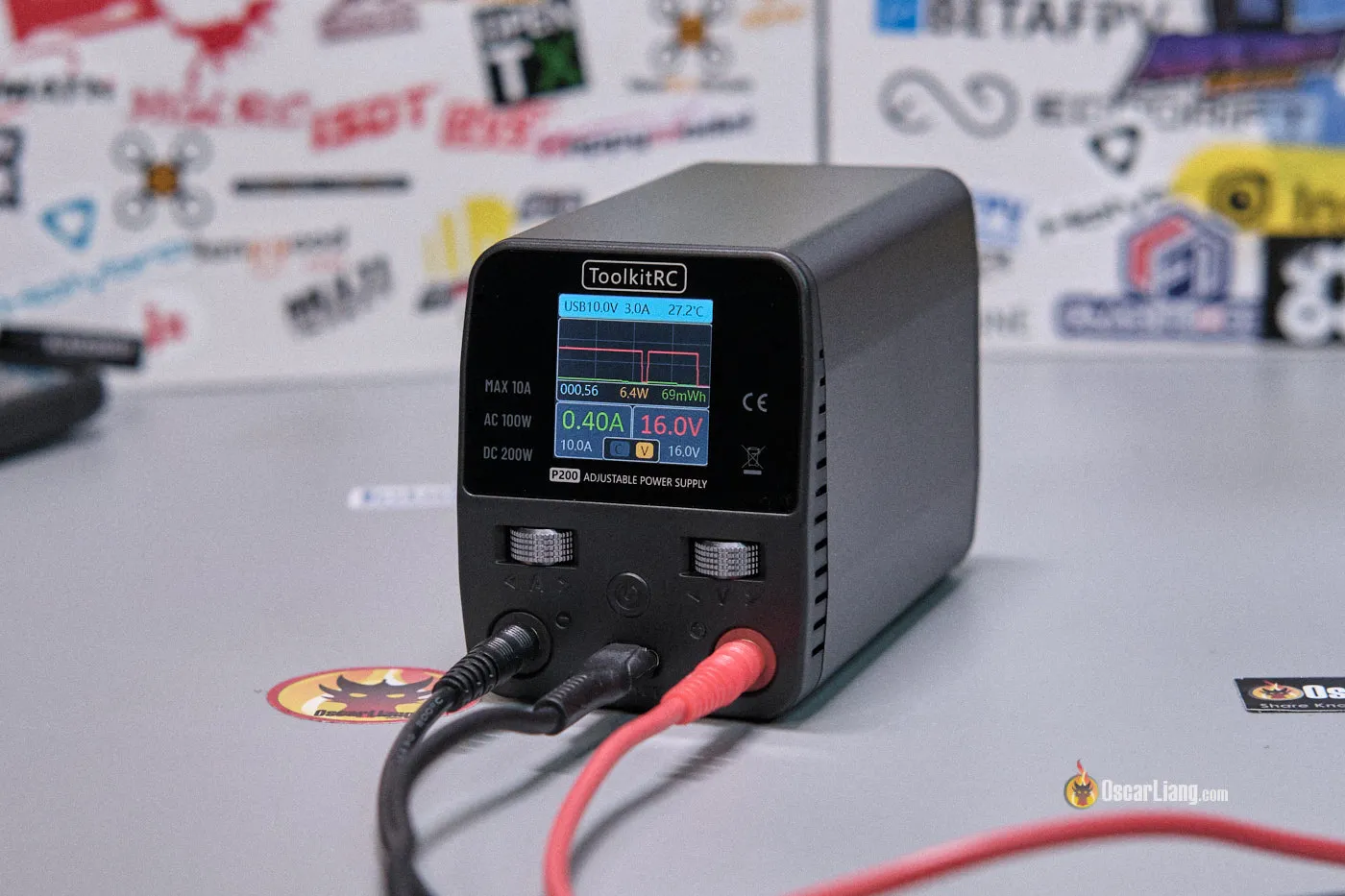
The ToolkitRC P200 V2 appears to be the improved version of the V1 that we were all waiting for. Its compact design, useful features, and reliable performance make it an excellent addition to any FPV enthusiast’s toolkit. While it’s still early days, my initial experience has been positive, and I’m hopeful that this PSU will prove to be as reliable as it seems.
You can get the ToolkitRC P200 Power Supply from:
For those who need a versatile, compact, and reliable PSU for their bench work, I cannot recommend the P200 V2 enough.





