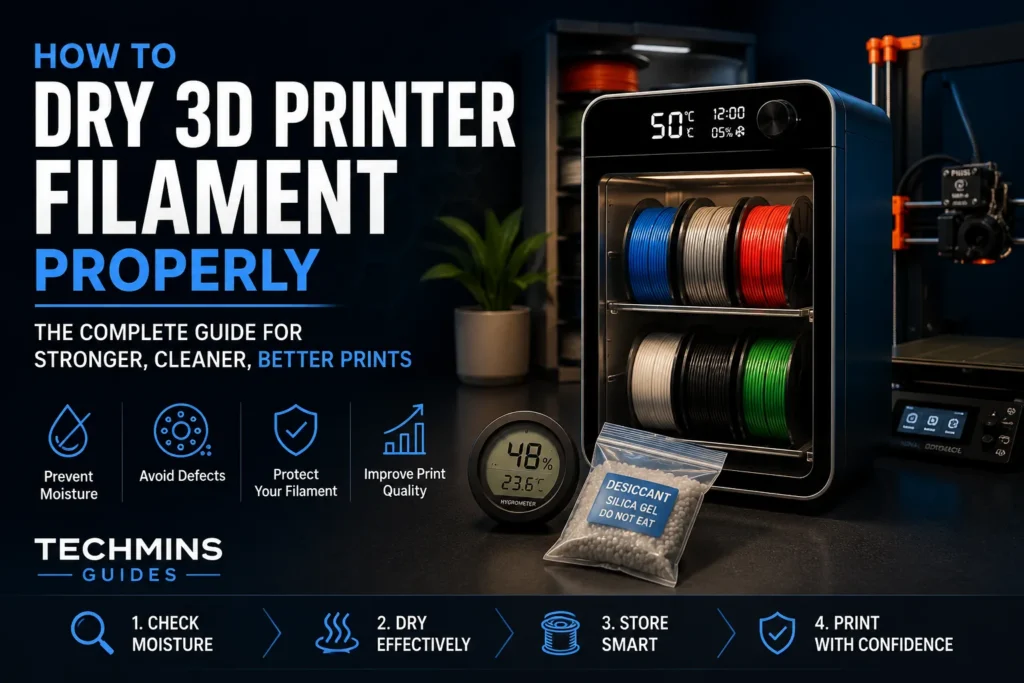
Quick answer: Dry filament when the material or print behavior gives you a reason to. The correct process is not “put every spool at one temperature for eight hours.” Different polymers tolerate different temperatures, some spool materials deform before the filament does, and a dry box is not the same thing as an active dryer. For moisture-sensitive materials such as PA/nylon, PPA and TPU, drying should be treated as part of the printing process rather than an emergency fix.
Why filament absorbs moisture
Most FDM thermoplastics are hygroscopic to some degree: they attract water molecules from the surrounding air. The rate and amount vary dramatically by polymer. PLA may remain usable for a long time in an ordinary room, while nylon can pick up enough moisture to print poorly in a much shorter period.
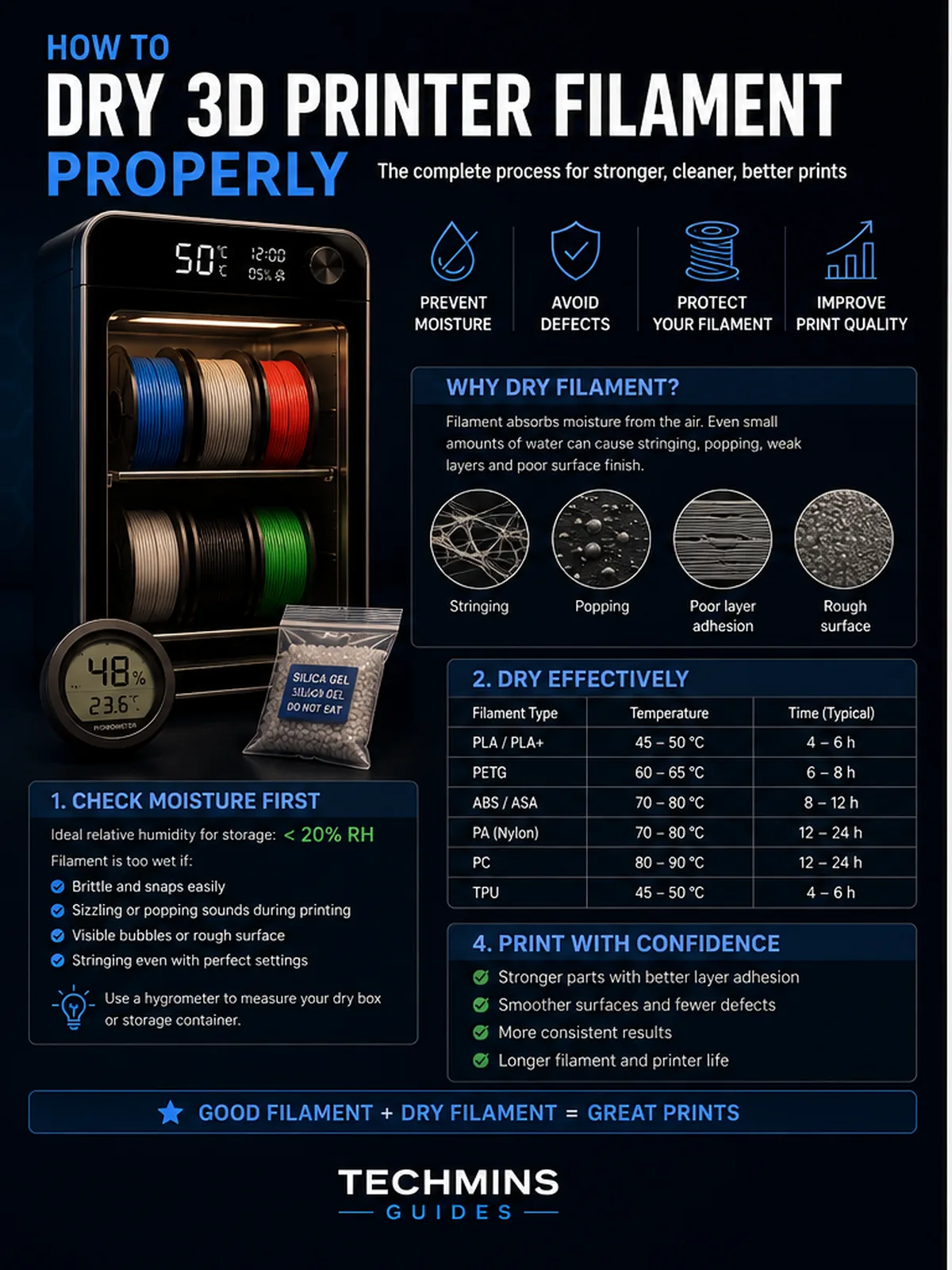
When wet filament enters the hotend, absorbed water can turn to steam. That creates bubbles and pressure changes inside the melt. The visible result may be popping, rough extrusion, extra stringing, tiny surface voids, inconsistent line width or unexpectedly weak parts.
Dry first, tune second
One of the most expensive troubleshooting habits in 3D printing is changing ten slicer settings to compensate for wet filament. Retraction, temperature and travel tuning can improve a dry material. They cannot reliably compensate for water turning into vapor inside the melt.
Signs that filament may be wet
- Audible popping, sizzling or crackling at the nozzle.
- Fine hairs or heavy stringing that appeared after storage.
- Rough, foamy or matte extrusion when the material is normally smooth.
- Small holes or voids in walls and top surfaces.
- Inconsistent extrusion despite a clean nozzle and correct flow calibration.
- Poorer layer bonding than the same spool produced when new.
Which materials deserve the most attention?
| Material family | Moisture sensitivity | How seriously to treat drying |
|---|---|---|
| PLA / PLA+ | Low–moderate | Dry when symptoms appear or storage was poor. |
| PETG | Moderate | Drying often improves stringing and surface consistency. |
| TPU | High | Keep dry; wet TPU can become extremely stringy. |
| PA / Nylon | Very high | Drying and dry-box printing are strongly recommended. |
| PA-CF / PA-GF | Very high | Fibers do not remove the moisture sensitivity of the base polymer. |
| PPA / PPA-CF | Very high | Moisture control is part of the process. |
| ASA / ABS | Lower than nylon | Usually less demanding, but poor storage can still matter. |
Dryer, oven or dry box?
Heated filament dryer
A purpose-built filament dryer is the easiest option for most users because it controls temperature and usually allows air to circulate around the spool. Better models also let you print directly from the chamber.
Food dehydrator
A dehydrator can work well if its temperature control is accurate and the spool fits without touching hot surfaces. Verify actual temperature with an independent thermometer before trusting the dial.
Household oven
This is the riskiest common method. Many domestic ovens overshoot their set temperature, especially at the low end of their range. A short overshoot that is harmless for food can deform a plastic spool or soften filament. If you use an oven, confirm the temperature behavior independently and never assume the display is accurate.
Dry box
A passive dry box with desiccant mainly slows moisture absorption. Prusa explicitly distinguishes this from active drying: a dry box helps keep dry filament dry, but it does not necessarily remove substantial moisture from an already wet spool.
How to dry a spool safely
- Identify the exact material. “Nylon” is not specific enough if the manufacturer has a dedicated PA6-CF drying process.
- Read the manufacturer’s drying instructions. Use their time and temperature as the starting point.
- Check the spool material. Cardboard and low-temperature plastic spools may have their own limits.
- Verify dryer temperature. Cheap dryers can be several degrees away from the set value.
- Allow airflow. Water must leave the chamber; simply heating a sealed wet environment is inefficient.
- Dry long enough. Large spools and heavily saturated polymers need time for moisture inside the filament to diffuse outward.
- Print or store immediately. A perfectly dried nylon spool can begin absorbing moisture again as soon as it returns to humid air.
Why universal drying charts can mislead
Internet charts are convenient, but the safest data comes from the exact filament manufacturer. A modified PETG, copolyamide or HT PLA may have a different thermal window than a generic chart assumes. The real failure mode is not only “the filament melts.” Too much heat can deform the spool, make turns stick together or alter additives.
How to tell if drying worked
Use a repeatable test. Print a small stringing or surface-quality model with the same profile before and after drying. Listen to extrusion, inspect wall texture and compare stringing. If the difference is large, material condition was part of the problem.
Printing directly from a dry box
For PA, PPA and long engineering-material jobs, drying once and then leaving the spool exposed for twelve hours defeats the purpose. A heated or well-sealed dry box that feeds the printer directly keeps the material environment stable during the print.
Storage after drying
- Use airtight containers or quality resealable bags.
- Add regenerated desiccant and monitor it.
- Label engineering spools with the last drying date.
- Do not rely on a factory bag after repeatedly opening it.
- Keep cardboard spools away from high-humidity storage areas.
Common mistakes
Drying every material at the same temperature
This can damage low-temperature materials and spools.
Assuming a new sealed spool is dry
Packaging quality varies. Premium engineering polymers may still benefit from manufacturer-recommended drying before a critical print.
Confusing storage with drying
Desiccant is excellent at maintaining low humidity; it is not automatically a fast way to remove water already absorbed throughout a thick filament strand.
Changing retraction before checking moisture
Wet filament can make retraction tuning look impossible because the root cause is not retraction.
A practical Techmins workflow
- Print with a known-good profile.
- If stringing/roughness appears unexpectedly, inspect the spool’s storage history.
- Dry according to the exact manufacturer instructions.
- Reprint the same test.
- Only then change temperature, retraction or flow.
For material selection before you reach this stage, use the Techmins Filament Selector. It flags materials where drying and printer hardware deserve extra attention.
Bottom line
Drying filament is not a ritual; it is process control. The more advanced the polymer, the more important that distinction becomes. Keep easy materials sensibly stored, treat visible moisture symptoms seriously, and make drying plus dry-box printing part of your standard workflow for moisture-sensitive engineering filaments.