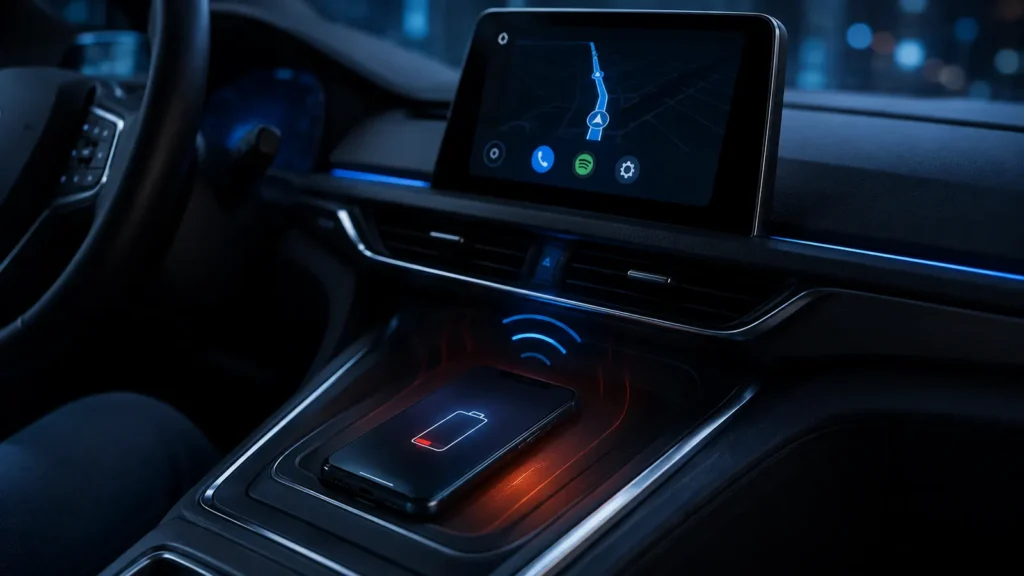
Battery drain is not automatically evidence that wireless Android Auto is malfunctioning. Projection is a continuous workload. The useful question is whether the drain is reasonable for the tasks being used or unusually high because of heat, poor cellular signal or software behavior.
- Wireless projection keeps 5 GHz Wi-Fi active on compatible systems.
- Navigation and weak mobile signal can consume significant additional power.
- Wireless charging creates more heat than a simple cable in many setups.
- Heat can reduce charging rate and make net battery gain disappointing.
- A wired connection is a sensible option for long journeys.
Why wireless projection needs continuous radio activity
Google requires a compatible phone with 5 GHz Wi-Fi support for wireless Android Auto. Bluetooth is involved in the connection/setup flow, while the ongoing projection session relies on Wi-Fi.
Navigation is another major workload
Turn-by-turn navigation uses GPS/location services, map rendering and mobile data. If you stream music and receive messages at the same time, the phone is doing several tasks continuously even with its screen off.
Weak mobile signal can increase power use
A phone working harder to maintain a cellular connection can consume more energy. If battery drain is dramatically worse on rural routes than in town, radio conditions may contribute.
| Setup | Battery effect | Heat tendency |
|---|---|---|
| Wireless Android Auto, no charger | Battery decreases | Moderate |
| Wireless + wireless charging | May hold/gain charge | Often highest |
| Wireless + wired USB charger | Usually better net charge | Often lower than wireless charging |
| Wired Android Auto | Projection + charging through cable | Usually predictable |
Why wireless charging can make things worse
Wireless charging is less efficient than a direct cable and generates heat in the charging process. Combine that with navigation, 5 GHz Wi-Fi, cellular data and a hot dashboard, and the phone may reduce charging power to protect the battery.
Watch the phone temperature
If the phone becomes very hot, move it out of direct sunlight and remove an insulating case for a controlled test. A vent mount with cool airflow can sometimes help, provided it does not create condensation or other hazards.
Do not chase 100% during a hot drive
Battery-management systems intentionally taper charging near full and when temperature rises. Maintaining the phone around a moderate charge level can be healthier and easier than forcing maximum charging power in a hot cabin.
Turn off unnecessary high-drain features
Do not disable radios required for Android Auto, but you can avoid unnecessary screen-on time, hotspot use or other heavy apps during navigation.
Offline maps can reduce mobile-data dependence
Downloading map areas before a trip can reduce network traffic and improve resilience in weak-signal areas. It does not eliminate GPS or all data use, but it can remove one source of continuous connectivity demand.
When battery drain may indicate a problem
- The phone loses charge extremely quickly while cool and idle except for Android Auto.
- Android Auto remains active after leaving the car.
- A recent software update causes a sudden large change.
- Battery usage screens show an unrelated app consuming unusually high background power.
Use battery statistics after a drive
Android’s battery usage screen can show which apps consumed power. Look for navigation, music, mobile services and other apps rather than assuming Android Auto alone accounts for the entire drain.
Long trips: use the simple option
For a multi-hour drive, plugging in is not a failure of wireless technology. A wired connection or wired charger gives the phone a steady power source and can reduce thermal stress compared with wireless charging.
Short trips: wireless often makes perfect sense
For a 10–20 minute commute, the convenience of leaving the phone in your pocket may outweigh a few percent of battery use. The right mode can change with the trip.
- Keep phone software current.
- Avoid direct sunlight on the phone.
- Prefer wired charging if wireless charging creates excessive heat.
- Download offline maps for weak-signal routes.
- Close unrelated high-load apps.
- Use wired Android Auto on long journeys when practical.
For connection trade-offs, see Wireless vs Wired Android Auto. If the session disconnects rather than simply using battery, use our dropout guide.
How much drain is “normal”?
There is no universal percentage per hour because screen-off state, navigation, cellular signal, music streaming, phone model and battery health vary. Compare against your own baseline: same route, same apps, similar temperature and no charging. A sudden change after an update is more meaningful than comparing two different phones.
Navigation vs projection
Android Auto itself is only part of the workload. Google Maps or another navigation app may be using GPS, map rendering and live traffic. Music streaming uses mobile data and audio decoding. Messaging and voice assistance add more bursts of work.
Weak cellular coverage can be a hidden multiplier
On rural roads or inside parking structures, the cellular modem can use more power trying to maintain service. If drain is much worse in weak-signal areas, downloading offline maps and preloading media can reduce some network demand.
Wireless charging efficiency and alignment
Inductive charging loses more energy as heat than a wired connection. Misalignment between the phone coil and charging pad can increase losses further. If the phone repeatedly starts/stops charging or becomes very hot, alignment may be poor.
Battery health matters
An older battery with reduced capacity will lose percentage faster even at the same absolute power draw. Check battery-health information provided by the device manufacturer before concluding Android Auto suddenly became inefficient.
Measure with a controlled commute
- Start at the same battery percentage.
- Use the same route and navigation app.
- Keep the phone screen off.
- Run once with wireless Android Auto and no charger.
- Repeat another day with wired Android Auto.
- Compare temperature and battery percentage after the same duration.
When wired charging is better than the car’s wireless pad
If the pad produces high heat or cannot keep up with the workload, use a quality USB-C charger/cable. This can supply power more efficiently while still allowing wireless Android Auto on vehicles that do not automatically switch to wired projection.
Optimized charging features
Many phones intentionally limit time spent at very high state of charge. If the phone pauses near 80% or charges slowly when hot, that may be expected battery protection rather than insufficient charger power.
Do not disable location to save power while navigating
Location is fundamental to navigation and wireless Android Auto setup may rely on location services. Save power by removing unrelated background workloads rather than disabling functions the driving experience actually needs.
Battery-drain vs disconnect problem
If the phone stays connected but loses charge, focus on energy and heat. If Android Auto itself drops, use the separate disconnect troubleshooting workflow. Mixing the two problems can lead to irrelevant fixes.