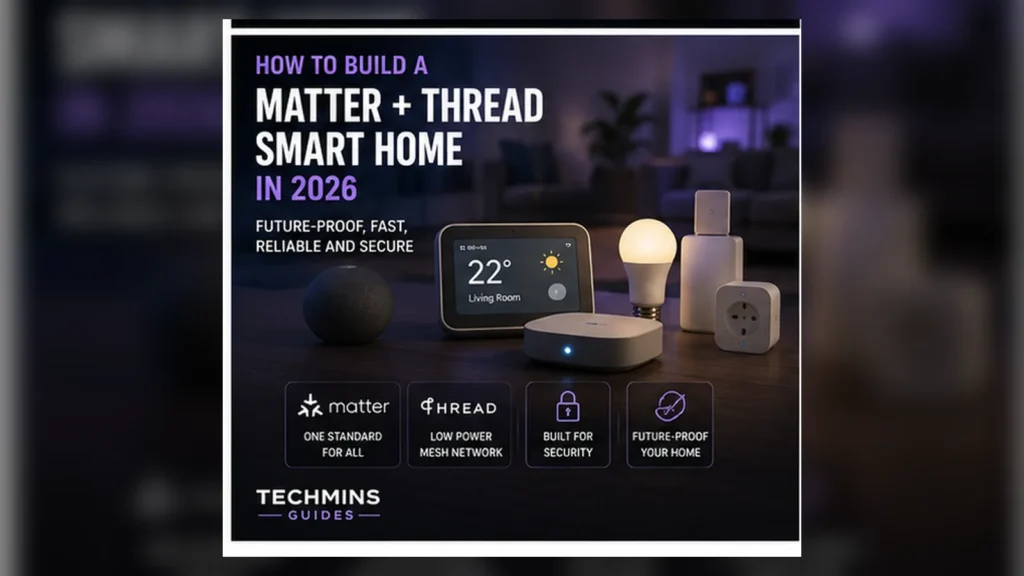
Matter reduces ecosystem friction, but it does not make network design irrelevant. In a real smart home, several layers work together: Ethernet, Wi-Fi, Thread, Matter controllers, Border Routers, bridges and sometimes established Zigbee/Z-Wave systems. The reliable approach is to design those layers deliberately instead of collecting devices first and hoping the apps make sense of them later.
- Matter is the application/interoperability layer; Thread is one low-power network transport.
- A Matter-over-Thread device needs a Thread network and a Border Router.
- Your phone, cameras, smart speakers and many controllers still depend on normal Wi-Fi/Ethernet.
- Do not replace a reliable Zigbee network just to make the architecture “pure.”
- Start small, test failure modes, then scale.
Step 1: choose your primary ecosystem
Matter makes it easier for compatible devices to participate in multiple ecosystems, but you still need a default way to operate the home. Decide which platform will be the primary place for rooms, scenes, automations, voice control and household permissions.
You can add secondary ecosystems through Matter’s multi-admin capabilities where supported. The important thing is avoiding an architecture where nobody knows which app is authoritative for names, automations or device maintenance.
Step 2: inventory the infrastructure you already own
- Router / mesh / wired access points
- Ethernet switches and available cable runs
- Smart speakers and hubs
- Thread Border Router capability
- Existing Zigbee/Z-Wave bridges
- Devices that must work when the internet is down
- Critical devices such as locks, alarms and heating controls
Do not assume a smart speaker is a Border Router simply because it supports Matter. Check the exact model and generation. Product families often contain visually similar hardware with different Thread capabilities.
Step 3: understand controller, Border Router and bridge roles
| Component | What it does | What it is not |
|---|---|---|
| Matter controller | Commissions and controls Matter devices in an ecosystem | Not necessarily a Thread Border Router |
| Thread Border Router | Routes IPv6 between Thread and adjacent IP networks | Not a protocol translator |
| Zigbee bridge | Connects/represents Zigbee devices to another platform | Not the same as a Thread Border Router |
| Wi-Fi access point | Provides WLAN connectivity | Does not automatically provide Thread |
Step 4: make ordinary Wi-Fi boring and reliable
Thread does not replace the home LAN. Phones, tablets, cameras, smart speakers, controllers and Matter-over-Wi-Fi accessories still depend on Wi-Fi/Ethernet. A weak network can create symptoms that look like a Matter problem even when commissioning logic is working correctly.
If the network has dead zones, fix them first with our Wi-Fi coverage guide. Use Ethernet backhaul where practical and avoid putting all infrastructure in one corner of the home.
Step 5: confirm Thread coverage before buying many Thread devices
Thread is a mesh, but it still needs sensible physical coverage. Border Routers and routing-capable mains devices help provide resilient paths. Battery devices are optimized for low power and should not be treated as the backbone of the mesh.
In a larger or multi-floor home, having multiple Border Routers can improve resilience and reach when the ecosystem integrates them correctly.
Step 6: choose transport by device type
| Device | Natural transport | Why |
|---|---|---|
| Battery sensor | Thread / Zigbee | Low power, small packets |
| Door lock | Thread often attractive | Battery operation + local mesh |
| Smart plug | Thread or Wi-Fi | Mains power makes both practical |
| Light bulb | Thread, Zigbee or Wi-Fi | Depends on ecosystem and density |
| Camera | Wi-Fi / Ethernet | High bandwidth |
| Bridge / controller | Ethernet / Wi-Fi | Infrastructure role |
Step 7: do not replace good Zigbee devices just because Matter exists
Zigbee remains mature, efficient and widely deployed. If your existing lights and sensors are stable, replacing them can increase cost and complexity without improving the home. Bridges can expose many established devices into newer ecosystems.
See Matter vs Zigbee for the architectural difference.
Step 8: start with a small pilot group
Add a few devices first — for example, two sensors and a plug. Confirm commissioning, room assignment, automations and recovery after controller/router restarts. Only after the pilot behaves predictably should you expand to locks, thermostats or a large number of endpoints.
Step 9: store onboarding codes and reset procedures
Matter setup codes are part of device ownership. Keep a secure record of the code, exact model, room, ecosystem assignments and factory-reset procedure. Packaging often contains useful QR codes and serial labels; do not throw it away before documentation is complete.
Step 10: decide how multi-admin will be used
Sharing a Matter device with multiple ecosystems can be useful in mixed households, but it also introduces management questions. Decide which ecosystem owns automations and which family members use each platform. Avoid recreating the same automation in several places unless you deliberately want redundancy.
Step 11: test local behavior and internet failure
Disconnect the WAN temporarily and test important functions. Matter’s local IP architecture can allow significant local operation, but vendor apps, voice assistants, remote access and advanced services may still depend on cloud connectivity.
Document which functions survive. This turns a vague “local control” claim into something you actually understand about your home.
Step 12: separate reliability from convenience
Step 13: keep firmware current — but change one layer at a time
Controllers, Border Routers, routers and accessories all receive updates. Updating everything at once makes it difficult to identify the cause of a new problem. For a stable large deployment, keep a simple change log and avoid unnecessary simultaneous changes.
Step 14: name devices for maintenance, not just appearance
“Lamp 3” is hard to troubleshoot six months later. Use names that indicate room and function, and keep a private inventory with model and network type. A structured naming scheme becomes increasingly valuable once the home has dozens of devices.
A sensible starter architecture
Example:
- Ethernet-backed router/mesh providing reliable Wi-Fi.
- One primary Matter ecosystem/controller.
- At least one verified Thread Border Router near the main living area.
- Matter-over-Thread sensors/lock where low power is valuable.
- Matter-over-Wi-Fi plugs or appliances where Wi-Fi is appropriate.
- Existing Zigbee bridge retained for mature lighting/sensors.
- A second ecosystem added only where the household benefits from it.
How to diagnose commissioning failures
- Confirm the controller and phone are on the expected home network.
- Confirm Bluetooth/location permissions required by the platform are enabled during setup.
- For Thread devices, verify a compatible Border Router exists and is online.
- Update controller/platform software.
- Power-cycle the accessory and follow its documented factory-reset process.
- Remove stale failed entries from the ecosystem before retrying.
- Try commissioning near the relevant infrastructure before installing the device permanently.
What a large smart home should document
| Field | Example |
|---|---|
| Device name | Hall motion sensor |
| Model / firmware | Vendor model X / 2.4.1 |
| Transport | Matter over Thread |
| Primary ecosystem | Main household platform |
| Secondary ecosystem | Optional |
| Setup code location | Password manager / device inventory |
| Reset process | Short documented procedure |
Where Matter 1.6 fits
Matter 1.6, released in June 2026, focuses on setup, multi-ecosystem management and contextual control rather than changing the basic architecture. That is encouraging for larger homes because lifecycle management is becoming as important as initial interoperability. Read our Matter 1.6 overview for the details.
Privacy and account planning
Matter can reduce reliance on proprietary cloud APIs for basic interoperability, but it does not eliminate vendor accounts or cloud services automatically. Review each platform’s remote-access, telemetry and cloud requirements. Treat “Matter compatible” and “fully local” as separate questions.
Design for failure before you automate everything
A smart home becomes fragile when basic functions depend on a chain nobody understands. For each important automation, ask what happens if Wi-Fi is down, the internet is down, the primary controller reboots or one Border Router disappears. A good system degrades gracefully instead of becoming unusable.
Example: smart lighting
Wall controls should still provide a sensible local path when cloud services fail. If the system depends entirely on a voice assistant or one automation server, document that dependency and decide whether it is acceptable.
Example: door lock
Keep the manufacturer-supported physical or local fallback method. Smart-home convenience should never eliminate a safe way to access the home when an account, phone or network fails.
VLANs and IoT segmentation: do not break discovery blindly
Advanced users often isolate IoT devices on a separate VLAN. That can be useful for security, but Matter commissioning and local discovery depend on IP connectivity and discovery traffic across the relevant networks. If you segment devices, make sure the router/firewall configuration intentionally supports the discovery and control paths you need. “Block everything between VLANs” can turn into a self-created interoperability problem.
Thread network fragmentation
In an ideal home, compatible Border Routers participate in a coherent Thread environment. Mixed ecosystems, credentials and vendor implementations can create situations that are harder to reason about. If a Thread device works only near one controller or appears inconsistently across platforms, check which Border Routers and Thread networks are actually active.
Plan for replacing your primary controller
Controllers and smart speakers will be replaced long before the wiring in the house. Keep device records and setup codes so the system can be rebuilt deliberately. Avoid architectures where one discontinued hub is the only place that knows what every device is.
Annual smart-home maintenance checklist
- Export or review the device inventory.
- Update router/controller/accessory firmware in controlled stages.
- Remove abandoned devices and stale automations.
- Verify important local controls still work without internet.
- Confirm household members still have the correct access.
- Check battery devices and replace cells before critical low-battery events.
- Review vendor support for products that control locks, heating or safety-related functions.