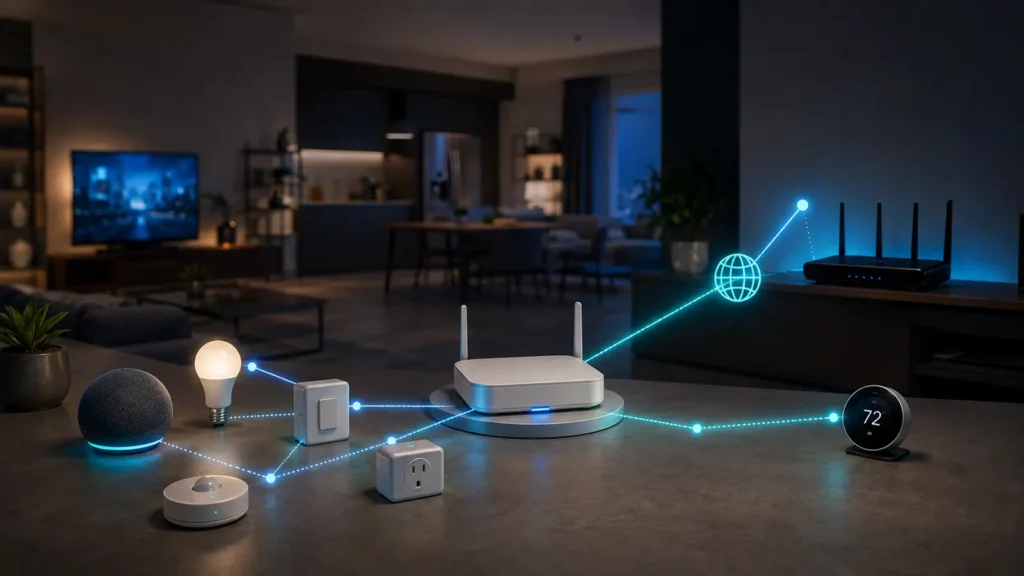
Thread Border Router is one of the most confusing smart-home terms because the function is often hidden inside a smart speaker, hub or Wi-Fi router. The physical box may look like a hub, but the network role is different.
- Thread is an IPv6 mesh network.
- A Border Router routes IPv6 between Thread and other IP networks.
- Matter-over-Thread devices need Thread connectivity and a Border Router path.
- The Border Router can be built into another product.
- Multiple Border Routers can improve resilience and coverage.
Thread is already IP-based
Thread uses IPv6. That is a major architectural difference from non-IP smart-home networks that require a gateway to translate their messages into IP-based services.
What the Border Router actually does
Thread Group describes the Border Router as a device that connects the Thread network to the rest of the IP network and forwards traffic between them. It does not need to inspect and rewrite the application message.
Why Matter-over-Thread needs it
Matter controllers often live on Ethernet or Wi-Fi. A Matter-over-Thread sensor lives on the Thread mesh. The Border Router provides the routed IP path between those networks so the controller and accessory can communicate.
| Component | Main job |
|---|---|
| Thread Border Router | Route IPv6 between Thread and adjacent IP networks |
| Matter controller | Commission and control Matter devices |
| Zigbee bridge | Translate/represent Zigbee devices to another ecosystem |
| Wi-Fi access point | Provide WLAN connectivity |
One device can perform several roles
A smart speaker may be both a Matter controller and a Thread Border Router. Another speaker from the same product family may be a controller only. Always check the exact model.
Do you need a dedicated Thread hub?
Usually not if your existing ecosystem already includes compatible Border Router hardware. Thread was designed so the routing function can be integrated into products such as routers, smart speakers and displays.
Can you have multiple Border Routers?
Yes. Thread supports multiple Border Routers, which can provide additional paths into the home network. This removes the need for one proprietary gateway to be the single mandatory routing point.
Does every Thread device route?
No. Thread assigns different device roles. Battery-powered sleepy end devices are optimized to conserve energy and generally are not the backbone of the mesh. Mains-powered devices can take on routing roles when supported.
Border Router vs Zigbee bridge
A Zigbee bridge typically speaks Zigbee on one side and represents devices in an IP-based platform on the other. A Thread Border Router does not translate the Matter application protocol because Thread and the adjacent LAN are both IP networks.
What happens if the Border Router goes offline?
If it is your only path between Thread and the wider LAN, controllers outside the Thread mesh may lose access to Thread devices. A deployment with multiple functioning Border Routers can be more resilient.
Do Matter-over-Wi-Fi devices need one?
No. They already join the home Wi-Fi network. They still need a Matter controller, but not Thread infrastructure.
How to check whether you already own one
- Check the exact smart speaker/hub model specification.
- Look for “Thread Border Router,” not just “Matter controller.”
- Check your smart-home app for Thread network information.
- Verify firmware is current; capability may depend on software activation.
Why this matters when buying sensors
A Matter-over-Thread sensor may be an excellent low-power product, but it cannot join a home that lacks compatible Thread infrastructure. Check the transport on the box before buying.
Read Matter vs Thread for the layer distinction and our full Matter + Thread smart-home guide for architecture.
Border Router vs router: why the names overlap
Your home router routes between the LAN and WAN and often provides Wi-Fi. A Thread Border Router routes specifically between a Thread IPv6 mesh and adjacent IP infrastructure. A single consumer router can contain both functions, but they are logically separate.
What Thread 1.3 changed for Matter
Thread 1.3 standardized important infrastructure behavior to improve how Thread networks integrate with Matter and IP networks, including discovery of Thread Border Routers and service registration. This helped make Thread a more predictable transport for Matter deployments.
Multiple Border Routers are not “multiple hubs”
Because Border Routers route IP rather than translate a proprietary application protocol, having more than one can add paths and coverage without requiring every accessory to be re-paired to a new proprietary hub.
Thread credentials matter
A device joins a specific Thread network using network credentials. If two ecosystems create separate Thread networks in the same home, a device on one mesh may not automatically benefit from a Border Router belonging only to the other mesh. Modern ecosystem coordination aims to reduce this fragmentation, but it is still useful to understand when troubleshooting.
What an OpenThread Border Router looks like conceptually
At a technical level, a Border Router has at least one Thread radio interface and one infrastructure interface such as Ethernet or Wi-Fi. It performs IP routing, discovery/service functions and network management required to connect the mesh to the broader LAN.
Do Border Routers need internet access?
They need connectivity to the local IP network for local Matter communication. Internet access may be required by the surrounding ecosystem for remote control, account services or updates, but routing between local Thread and LAN devices is conceptually a local function.
How to plan Border Router placement
Because Thread uses low-power 802.15.4 radio, physical location still matters. Place Border Router-capable devices where the Thread mesh can reach them well. In a large home, multiple routers or mains-powered Thread routing devices can improve coverage.
What to check when a Thread device only works in one room
- Which Border Router is actually online?
- Are there enough mains-powered Thread routing devices?
- Is the device joined to the expected Thread network?
- Did an ecosystem update change Thread credentials or controller state?
- Does another Thread device show the same location-dependent behavior?
Why Thread is different from Wi-Fi mesh
Both use the word mesh, but Thread is a low-power IoT network with its own routing roles. A Wi-Fi mesh node is an access point serving high-bandwidth Wi-Fi clients. They solve different layers and device classes.
Example home architecture
Imagine a home with a Matter controller on Ethernet, two smart speakers that are Thread Border Routers, several mains-powered Thread plugs and battery door sensors. The plugs can strengthen the Thread mesh, while either Border Router can provide a path to the LAN. If one speaker is unplugged, the network can still function through the other path if the devices share the same Thread environment.
Why Border Router count is not the only coverage metric
Adding three Border Routers in the same corner does less for coverage than distributing routing-capable Thread devices through the home. Think in terms of radio topology: Border Routers connect Thread to IP, while Thread routers inside the mesh help packets cross the building.